

Getting the offline installer for Visual Studio 2012 update 2
By default you only get to download a small file that, once executed, will gather all the needed materials and install it. From home this worked pretty well for me but at work, likely due to a network setting it didn’t. Making use of several search engines for an offline installer I found nothing. Hmmm, what to do.
Well it turns out to be that one can make use of the small download to gather all the material locally.
Simply open a command window, navigate to the place on disk where you have the installer of Updated 2 ready and type in:
vs2012.2 /Layout
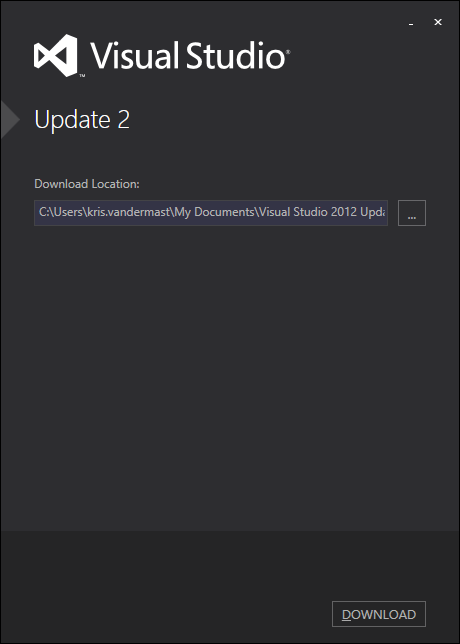
That will open up a window where you can select a download folder:
After a while you’ll get the following window:
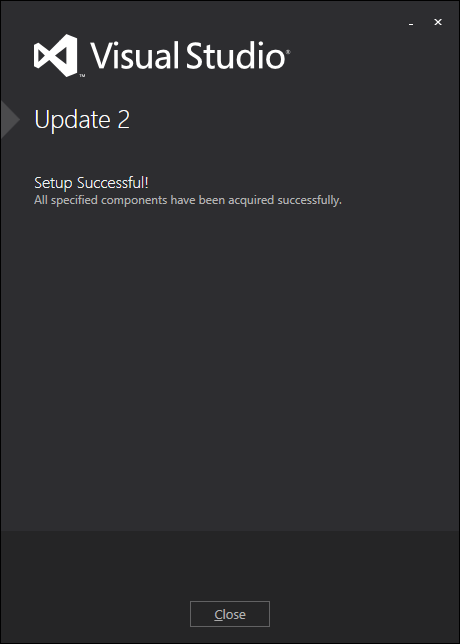
which gives you an installer and a folder with a bunch of subfolders totaling to 1.8Gb.

Now clicking that executable will install Visual Studio 2012 Update 2 from a local installation. For me this helped out getting around the restrictions of some proxy/firewall settings at the company to be able to install the goodies.
Grz, Kris.
Leave a Comment