

CSS 3 new column module
More and more CSS 3 technology starts to come natively to modern browsers. One of these that I like is the new column module. This post will highlight some of the nice features.
column-count
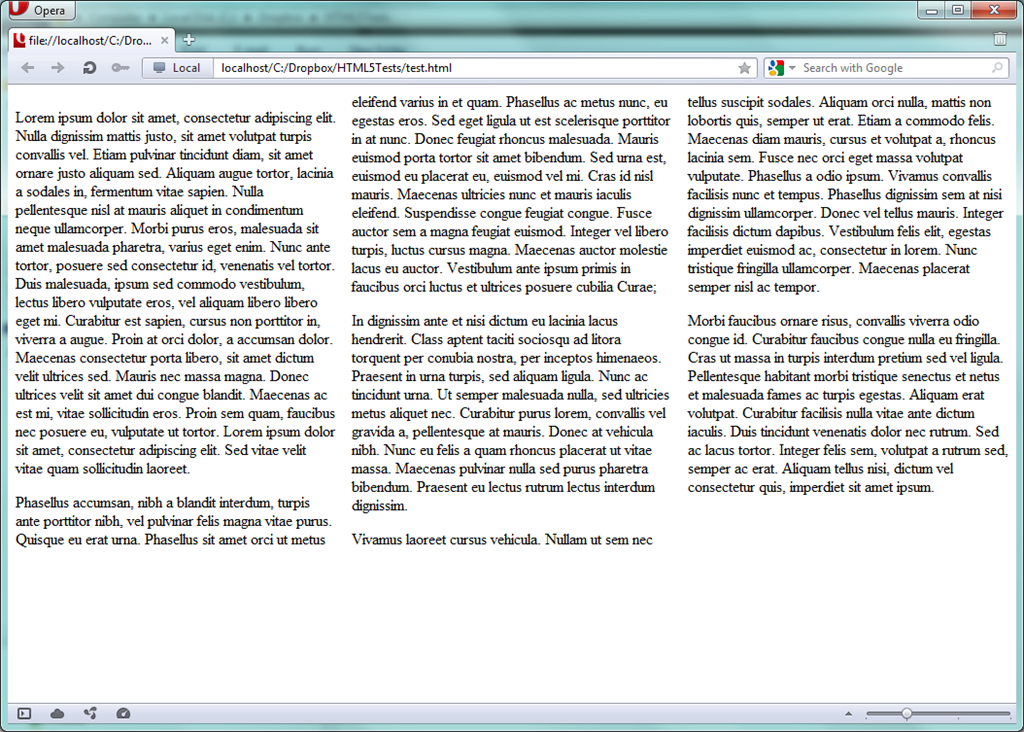
Setting the column-layout will, for the selection made, make up the content in a column layout without you having to mess around with tables and trying to get things right. For text I simply made use of lipsum and wrapped it in a div:
Lorem ipsum dolor sit amet, consectetur adipiscing elit. Nulla dignissim
mattis justo, sit amet volutpat turpis convallis vel. Etiam pulvinar tincidunt diam, sit amet
ornare justo aliquam sed. Aliquam augue tortor, lacinia a sodales in, fermentum vitae sapien.
Nulla pellentesque nisl at mauris aliquet in condimentum neque ullamcorper...
For the CSS part I made up this part which makes the selection on the div element with id test:
#test {
 column-count: 3;
}
I tested this in browsers like Internet Explorer 10 (/images/on Windows 8) and Opera which work already fine out of the box without browser specific prefixes like (/images/-moz, -ms, -webkit):
column-rule
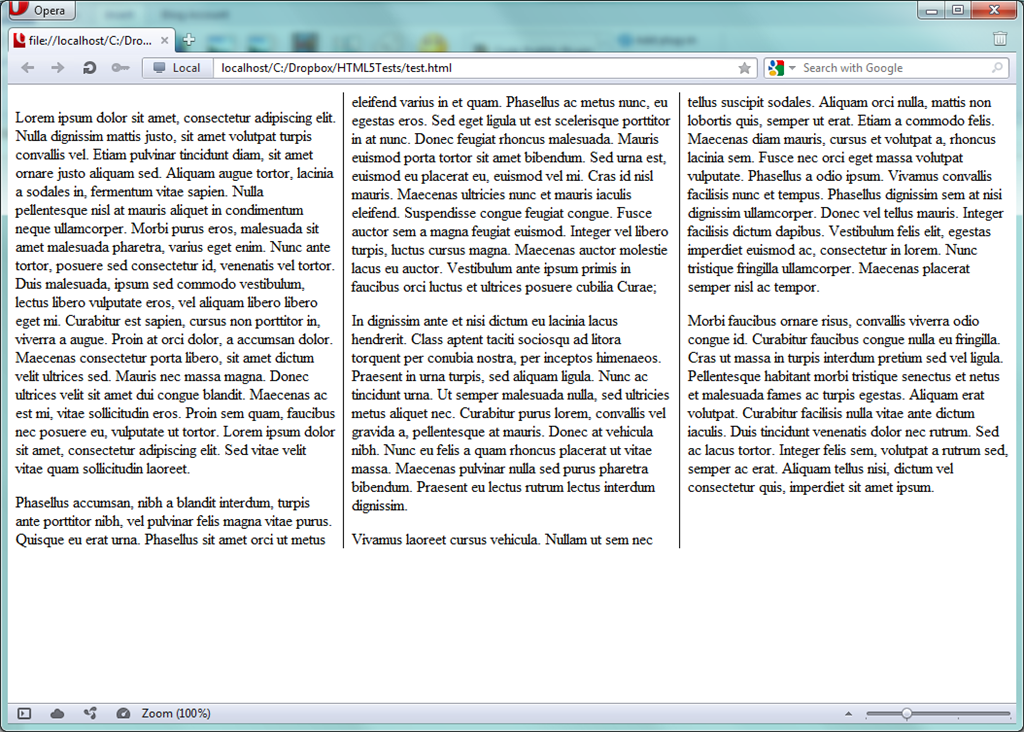
Making several columns up with practically no effort is nice but sometimes you want to have a small improvement in readability and add small guidelines in between to better separate the different columns. With the column-rule you can add these. The syntax follows the same easy to remember format like we’re used to from setting a border:
#test {
 column-count: 3;
 column-rule: 1px solid black;
}
Which results in:
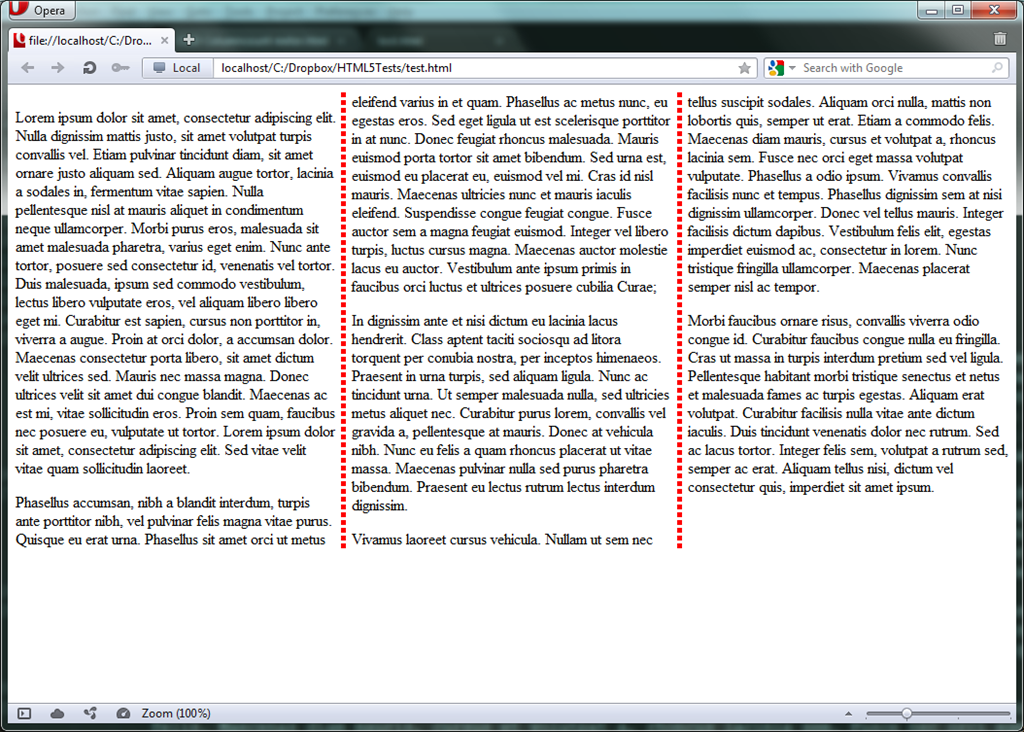
Of course you can also go for a 5px dotted red approach if you like to:
#test {
 column-count: 3;
 column-rule: 5px dotted red;
}
column-gap
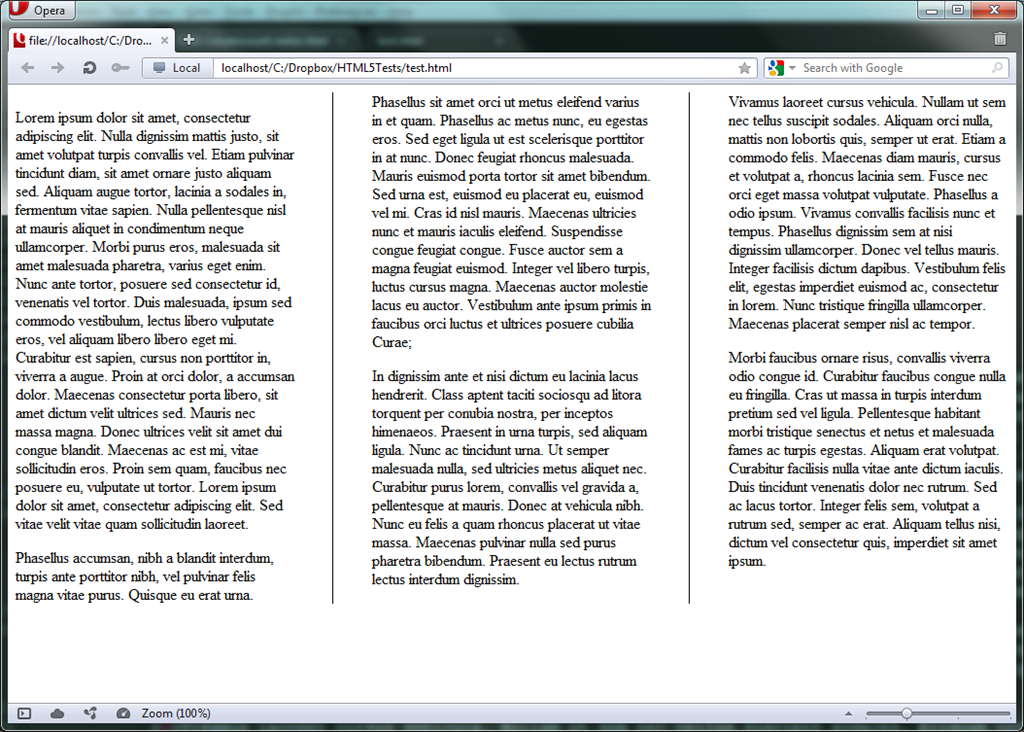
In the previous samples we noticed that the text was pretty close to the borders of the columns. If this is not the desired effect you can set the column-gap to chime in that nice piece of extra space:
#test {
 column-count: 3;
 column-rule: 1px solid black;
 column-gap:80px;
}
Which results in:
As you can see, with some easy to use CSS 3 column module goodness one can style up the readability of content in an easy way. In the future more and more browsers will support this natively out of the box as well so keep it in mind for one of your next projects.
Grz, Kris
Leave a Comment